The Problem
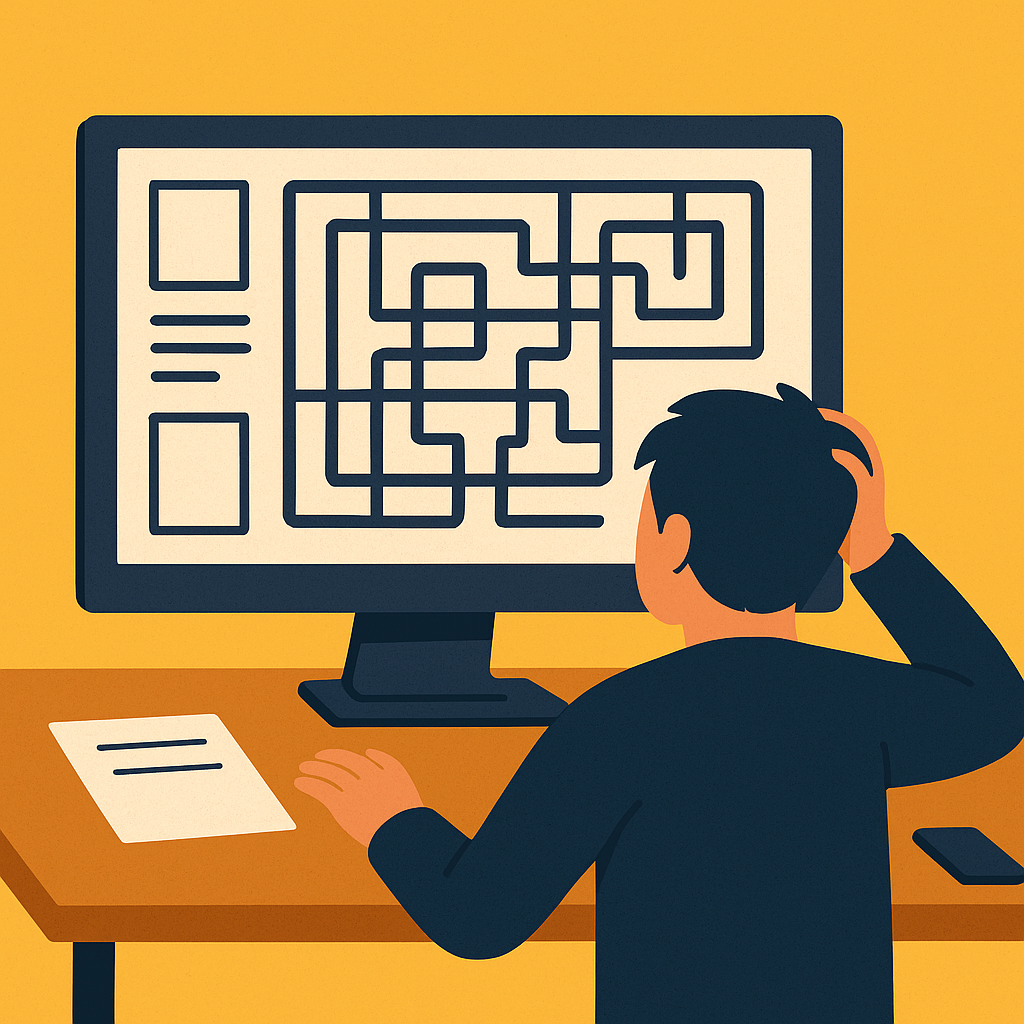
You’ve invested in a website, a digital storefront meant to attract and inform. But instead of a clear pathway to your offerings, does it feel like a maze? Many businesses face this: a website that leaves visitors lost and prospects quickly abandoning ship.
The Impact
Lost Opportunities
Your efforts to attract visitors are wasted if they can’t find what they need or understand your value. Each click that doesn’t lead to engagement is a missed chance for growth.
Damaged Brand Perception
A frustrating online experience reflects poorly on your professionalism. If your website is chaotic, what does that say about your business operations?
Wasted Marketing Spend
Driving traffic to a confusing site is akin to pouring water into a leaky bucket. Your advertising budget might bring people in, but a poor user experience pushes them right back out.
Inefficient Operations
When customers can’t easily self-serve information online, your sales and support teams become inundated with basic inquiries, diverting valuable resources from more strategic tasks.
How do you know if your website is causing confusion? Look for these tell-tale signs:
High Bounce Rate
Are visitors leaving almost immediately after landing on your pages? This indicates they’re not finding what they expected or are quickly overwhelmed.
Low Time on Page
Users spending mere seconds on your content suggests they’re not engaging or finding value.
Poor Conversion Rates
If few visitors are completing desired actions – like filling out a form, downloading a resource, or making a purchase – your conversion funnel likely has significant friction.
Frequent Customer Service Inquiries
Are people calling or emailing to ask questions that should be easily answerable on your website? This is a clear sign of poor information architecture.
Negative Feedback
Listen for comments like “I couldn’t find…” or observe a general sense of user frustration.
Lack of Clear Calls to Action (CTAs)
Do your visitors know what you want them to do next? If your “next steps” are invisible or ambiguous, they’ll simply leave.
The Solution
A confusing website isn’t a permanent condition. The solution lies in strategic design and optimization, making your website truly comprehensible for your visitors. When your website is clear for users, it naturally becomes more effective at attracting and retaining them. This focus on user experience lays a strong foundation for overall online success.
Transforming your website from a maze to a clear pathway involves focusing on these key pillars:
Intuitive Navigation & Information Architecture
Categorize your content clearly and use internal linking to guide users deeper into your site. Develop a user-centric sitemap that mirrors how your audience thinks, not just your internal departments. Put yourself in your user’s shoes: what information are they seeking, and what’s the most natural path to find it? Simplify everything.
Crystal-Clear Messaging & Value Proposition
If visitors can’t grasp your core offering within seconds, they’re gone. It’s crucial that it’s clear what you do and for whom. Clearly articulate your services and products, focusing on the problems you solve for your customers. Explicitly identify your ideal customer so visitors can quickly determine if they’re in the right place. On your homepage and key landing pages, ensure you instantly answer: “What do you do?”, “Who do you do it for?”, and “How does it benefit me?”
Streamlined User Journeys & Conversion Paths
When a prospect wants to take the next step – like requesting a quote or downloading a datasheet – the process should never be cumbersome, confusing, or simply not work. Design clear, prominent Calls to Action (CTAs) that stand out and tell users exactly what to do next. Simplify your forms, asking only for essential information. Create a logical, frictionless flow from initial interest to completing a desired conversion action. Map out the ideal path you want a prospect to take on your site, then remove every possible point of friction that could deter them from completing that journey.
Visual Hierarchy & Engaging Design
Overwhelming layouts, inconsistent branding, and poor visual organization can make a site feel chaotic. Maintain consistent branding (colors, fonts, imagery) across all pages. Incorporate high-quality imagery and video that supports your message. Ensure your design is fully responsive, providing an optimal experience on all devices – desktops, tablets, and mobile phones. Use visual cues to guide the user’s eye to the most important information and actions. A well-designed page should feel inviting and easy to scan.
Clear Content Structure and Discoverability
Use proper headings (like main titles and sub-sections) which help users quickly grasp your content’s structure and navigate through information. Ensure your page titles and descriptions are clear and inviting, accurately reflecting the content within. Organize your content logically and make sure your site loads quickly, as slow pages can frustrate visitors and cause them to leave. By focusing on clear, well-organized content, you make it easier for people to find what they need and stay engaged.